
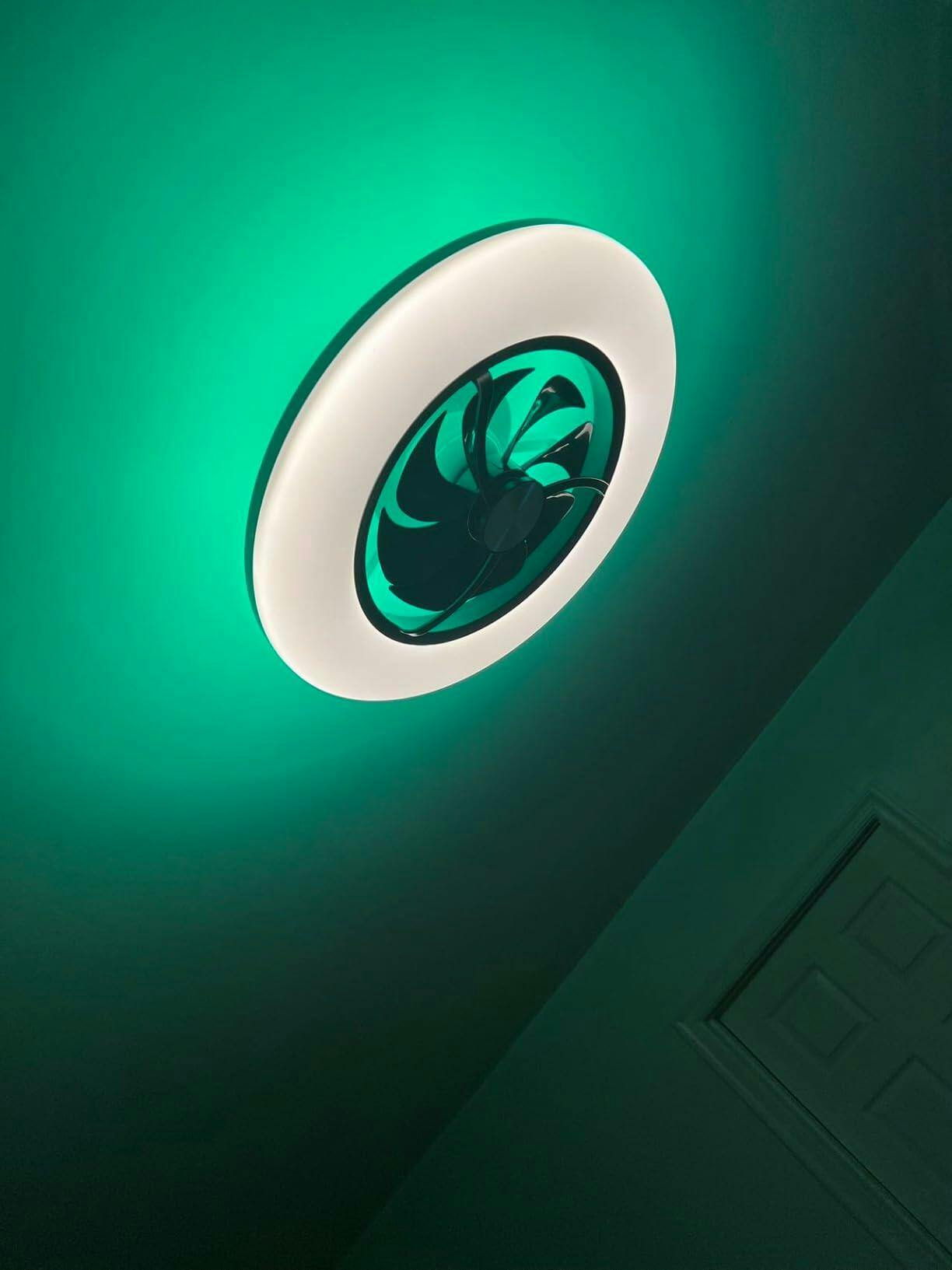
Start here — what you actually need
If you want a chandelier-style fan that looks good and does the job, don’t get dazzled by the app before you check the basics. First question: does it move air where you live? Second: does it play nice with your setup? If you’re shopping, take a look at a reliable option like this smart ceiling fan with light early on — it shows you how design and integration can come together without fuss.
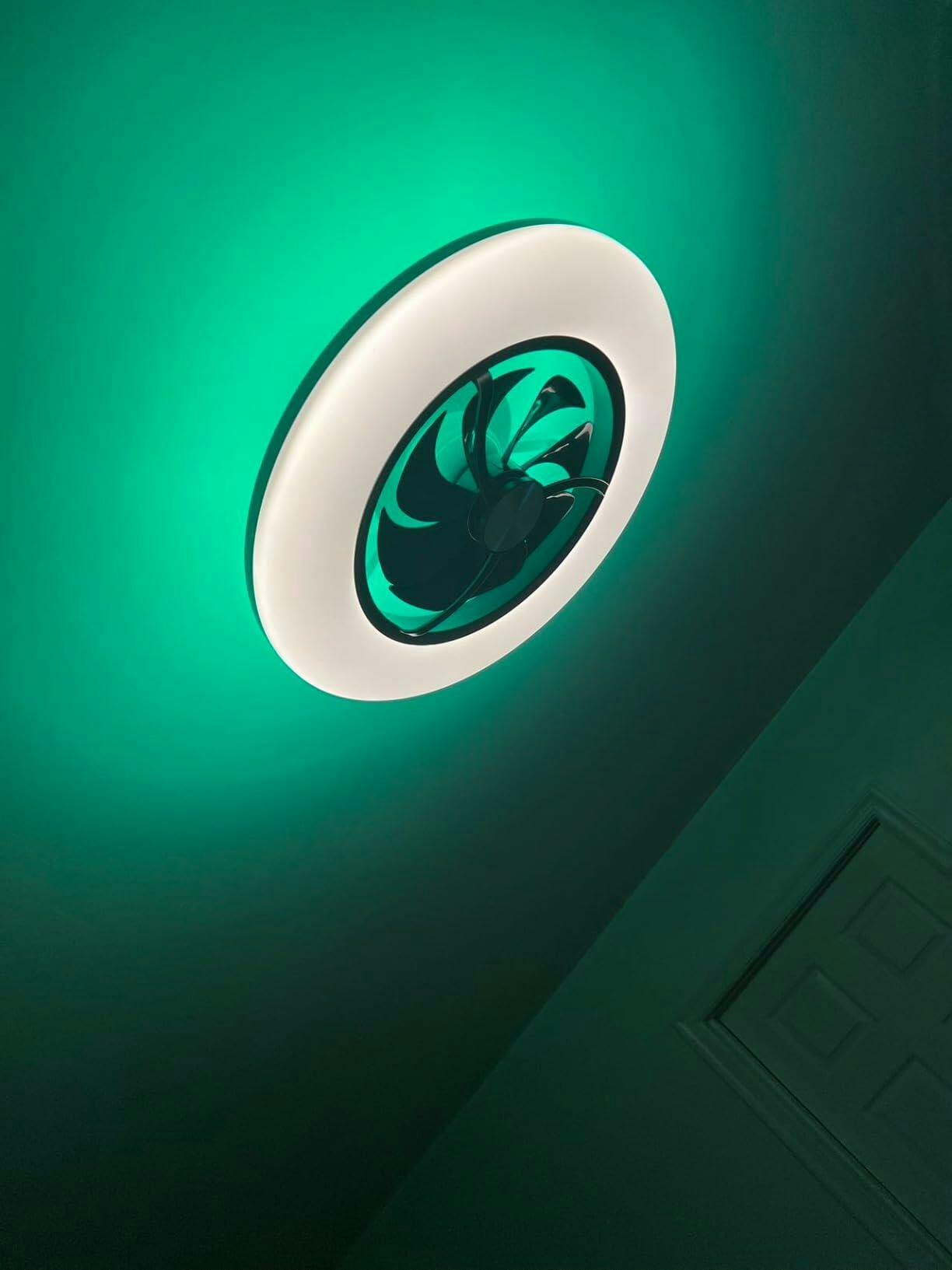
Why airflow numbers actually matter — a quick reality check
Home comfort isn’t style alone. The U.S. Department of Energy notes that a ceiling fan can let you raise the thermostat about 4°F while keeping people comfortable — that’s real savings in hot places like Phoenix. So when a spec sheet lists CFM (cubic feet per minute), it isn’t marketing fluff: it’s how much cool you’ll feel. Look for honest CFM ratings and power draw — you want high airflow per watt. Also watch for motor type: DC motors tend to give better efficiency and smoother speed control than old-school AC motors.
Features that matter to everyday users
Focus on a few practical features, not every checkbox on the spec list. Important items include:
- CFM and CFM per watt — tells you how much air and how efficient the fan is.
- Blade pitch and blade span — these affect how the air moves across a room.
- Light output (lumens) and color temperature — a chandelier fan should light the room well, not just glow.
- Smart integration (Wi‑Fi, Bluetooth, or Zigbee) — pick the protocol that matches your hub or voice assistant.
- Noise level in dB and motor torque — quiet blades and a strong motor keep the fan useful at low speeds.
For folks who want both illumination and control, options like a smart led ceiling fan bundle tunable LED lighting with app schedules — handy when you want evening mood light but daytime cooling.
Common mistakes people make — and how to dodge them
Two big slip-ups I see: picking by looks alone, and assuming “smart” means compatible. If you mount a chandelier fan in a big room but the CFM is low, you’ll still be buying AC runs. And if the fan uses a proprietary app that won’t work with your Alexa or home hub, you just created friction — and frustration. Test fit your canopy with the room’s ceiling height too; some chandelier fans need a downrod and don’t work well on low ceilings. —
Quick comparison checklist — what to compare in the store or online
When you’ve narrowed to two or three models, run through this checklist:

- Real CFM vs room size: living rooms need higher CFM than bedrooms.
- Power draw at typical speed: check watts at medium speed for efficiency.
- Mounting options: flush, standard, angled — make sure it fits your ceiling.
- Integration notes: does it use Wi‑Fi, BLE, or Zigbee? Is there a local API or only cloud control?
- Lighting specs: lumens, CRI (color rendering), and dimming method (PWM or TRIAC).
Don’t skip real-world testing if you can — demo the remote and the app responsiveness. You’ll quickly tell if the motor hums or the light flickers — things pictures won’t show. —
Three golden rules for choosing a chandelier smart fan
1) Prioritize effective airflow per watt: choose a fan with a high CFM-to-watt ratio so you get cooling without wasting power.
2) Match integration to your ecosystem: pick a fan that uses the same smart protocol as your hub or voice assistant to avoid workarounds.
3) Verify mounting and light specs in-situ: measure ceiling height and confirm lumens and CRI so the fan both cools and lights the room properly.
Do this and you get a stylish fixture that actually improves comfort and saves energy — which is the whole point. For a practical, well-integrated option that balances airflow, lighting, and smart features, check how Orison fits into the setup — Orison.